Bloom OS
- Branding
- UX/UI DESIGN
- DEVELOPMENT
Reimagining augmented reality interaction


Bloom
01. Naming
The naming process was really tough. We went through a good hundred, if not more, names. before sticking with Bloom...Initially, it was an idea to name the company after a rarely blooming flower (we honestly can't remember which one) so that its child, the operating system, could be this flower's blossom. We agreed that the idea was cool and the story behind it was promising, yet both the story and the idea were rejected. Regardless, the name "Bloom OS" somehow hit the target, and so we had it settled.
Moreover, the name gave birth to the first OS' gesture*—'bloom.', the gesture for opening the main menu.*At the time, Apple hadn't yet invented their finger control stuff, so we saw it more like something from sci-fi movies, only wanted to make it more convenient.


02. BRANDING
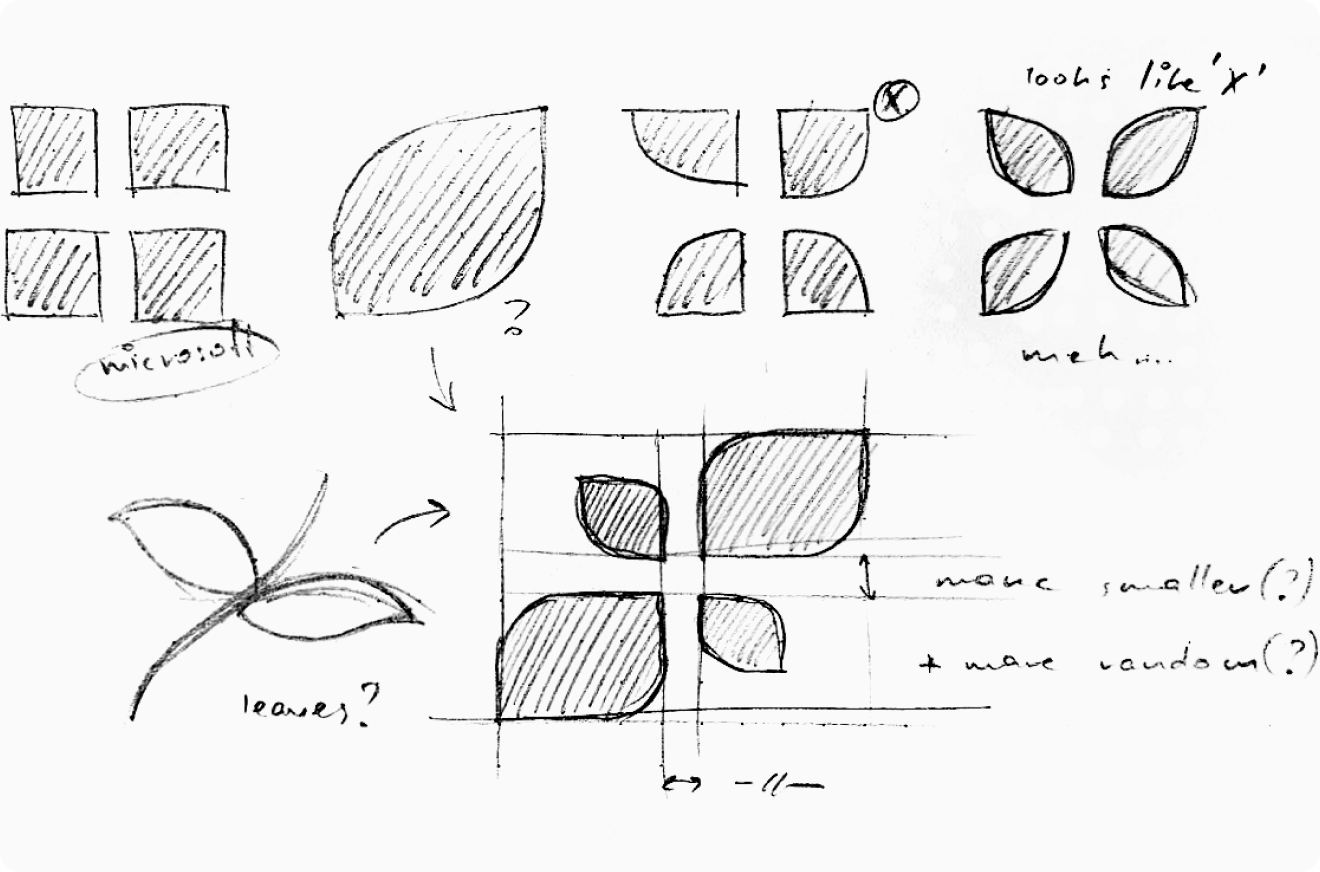
Surprisingly, the branding part went smoothly. At the time, it wasn't even full branding, but rather just a logo, a font, and some simple stuff to have something to work with. One of the first drafts was approved, and we simply moved on. The idea behind the logo is simple: multiple windows (yeah, the same thing Microsoft did), stylized to resemble leaves.
03. Prototyping interactions
As there are so many already tested-out and 100% working examples of operating systems (Windows, MacOS, Android, etc.), we thought the most was already done, but it turned out to be much more complicated. Mainly because of control specifics. Interaction with all known OS's is designed to work with some kind of physical manipulator (mouse, controller, touchscreen, etc.), but in our case, we were left with our bare fingers.
The designers and developers team didn't even think of implementing any controllers like Quest or Vive, and it was obvious that the new turn should go towards gesture control. Yes, nowadays we have barely working Quest's gestures, Apple's new goggles, and a quadrillion Chinese knock-off devices, but at the moment we had to think it through from scratch.
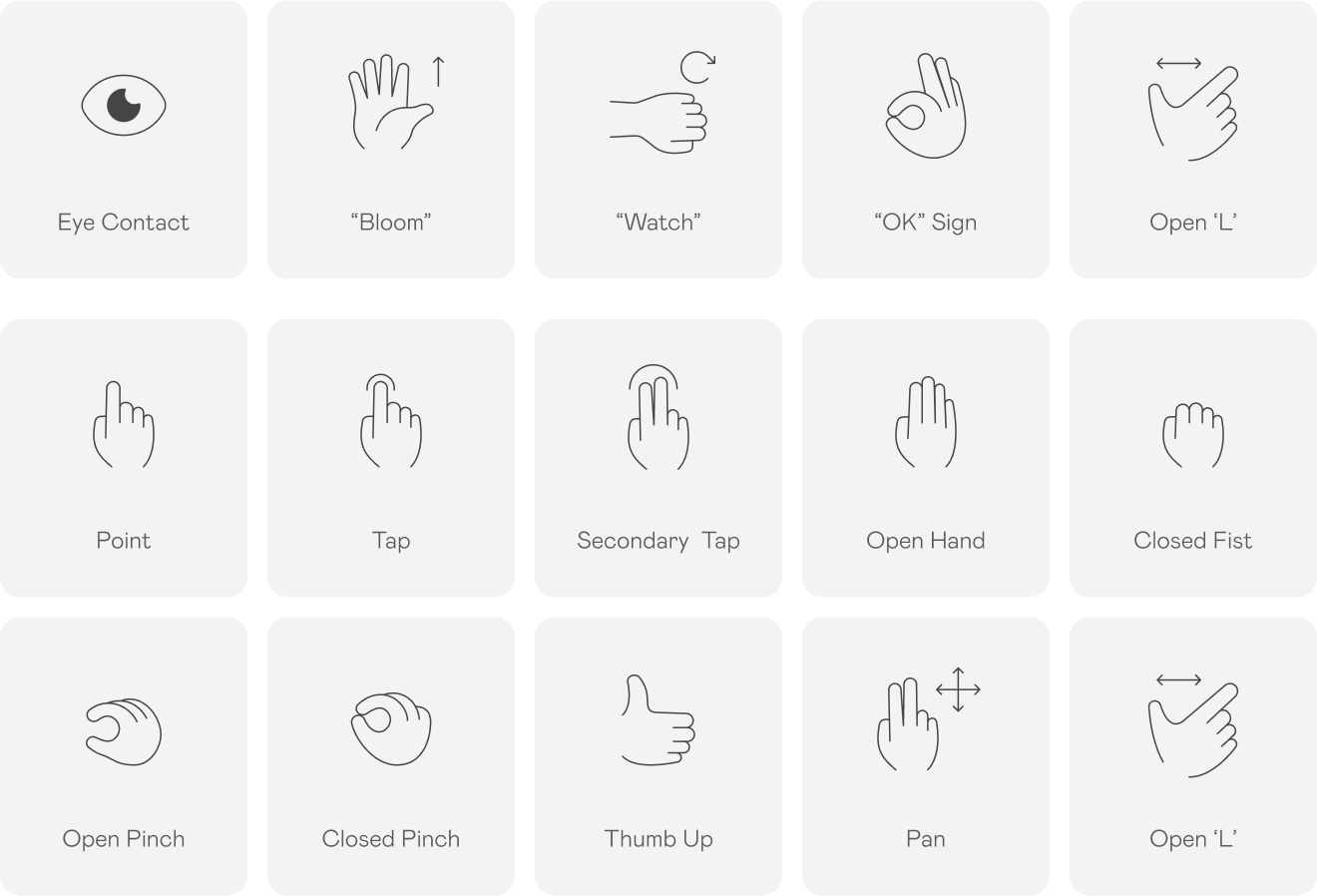
The first step was to define (implement, test, fail, redefine, and so on until success) a set of common gestures so we’d be able to start building interaction patterns based on those. And some time later, we’ve settled on the following list:
Moving on to step two—combining gestures into interactions. This process wasn't straight-forward either. Although we already knew all the gestures were implementable and were recognized by the headset, it was still a question of how well the system would recognize combinations of those and how far we could bend functionality by performing gestures in special ways.

04. Prototypes
So, Bloom's goal is to provide a device with the OS on board that could be used as (or even in place of) a work PC while also being an everyday home and, moreover, a portable outdoor companion accessory.Ambitious? Yes. Hell, a lot of work? Yes!
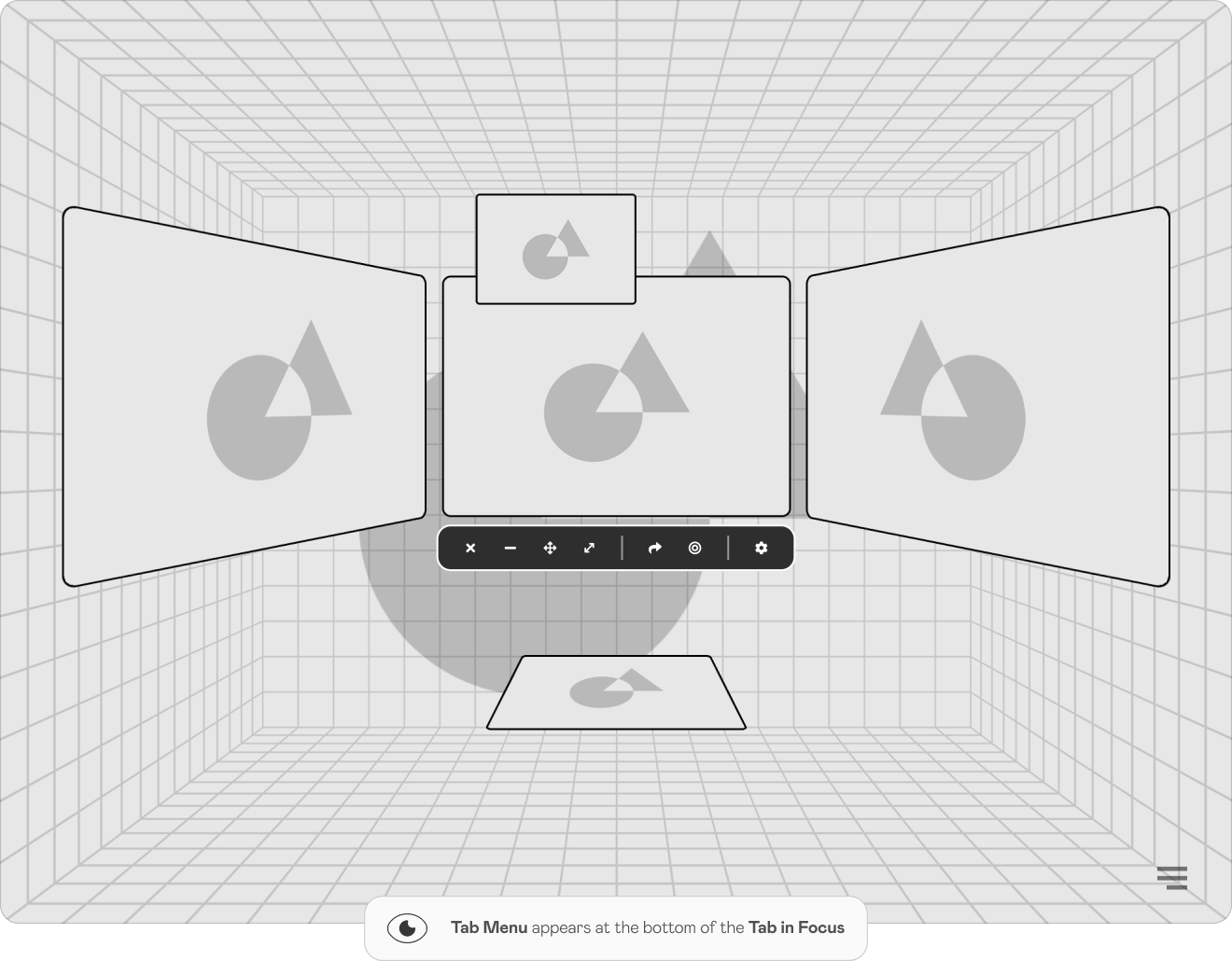
It was crucial to make navigating through the system intuitively understandable, so it was decided to use as many known interactions as possible. In the end, it turned out to feel pretty similar to navigating through any touch-screen device. But without “the screen” in a common sense.
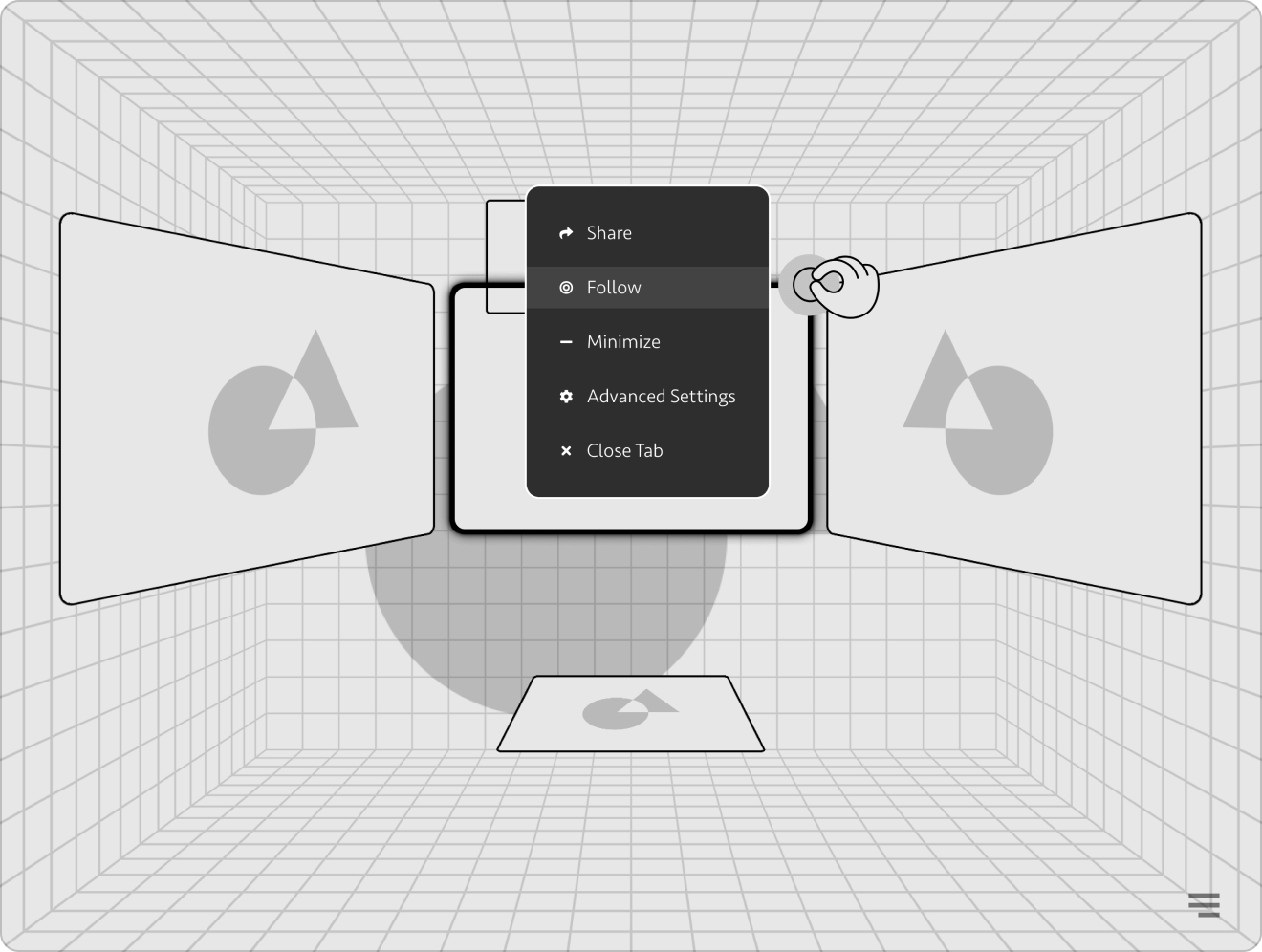
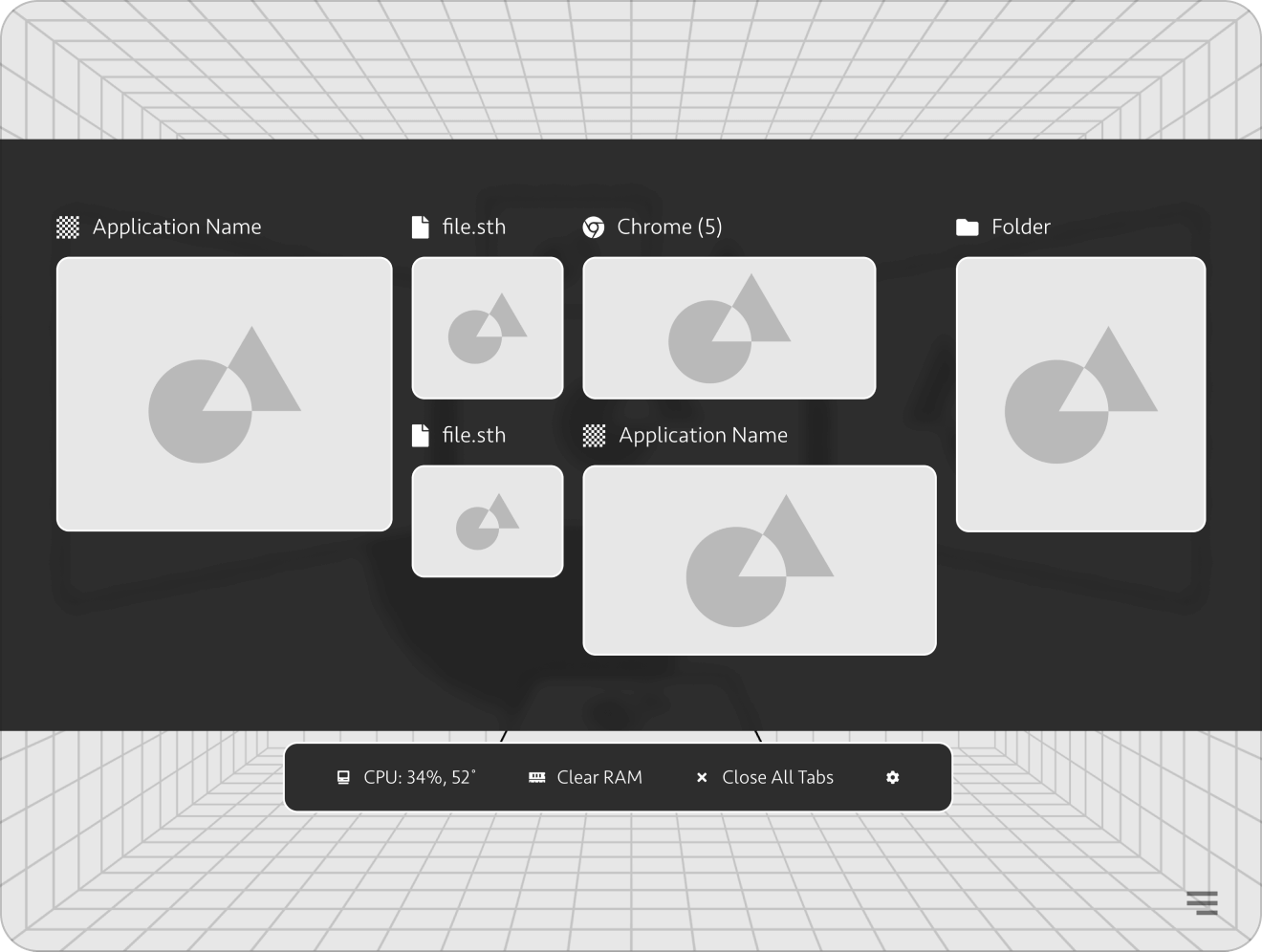
Multitasking is our everything. At the time we started the project, most competitors could barely handle more than one task, but it was definitely not an option for Bloom. Developers planned for the system to handle simultaneous work on up to 10 flat or 3 volumetric apps.
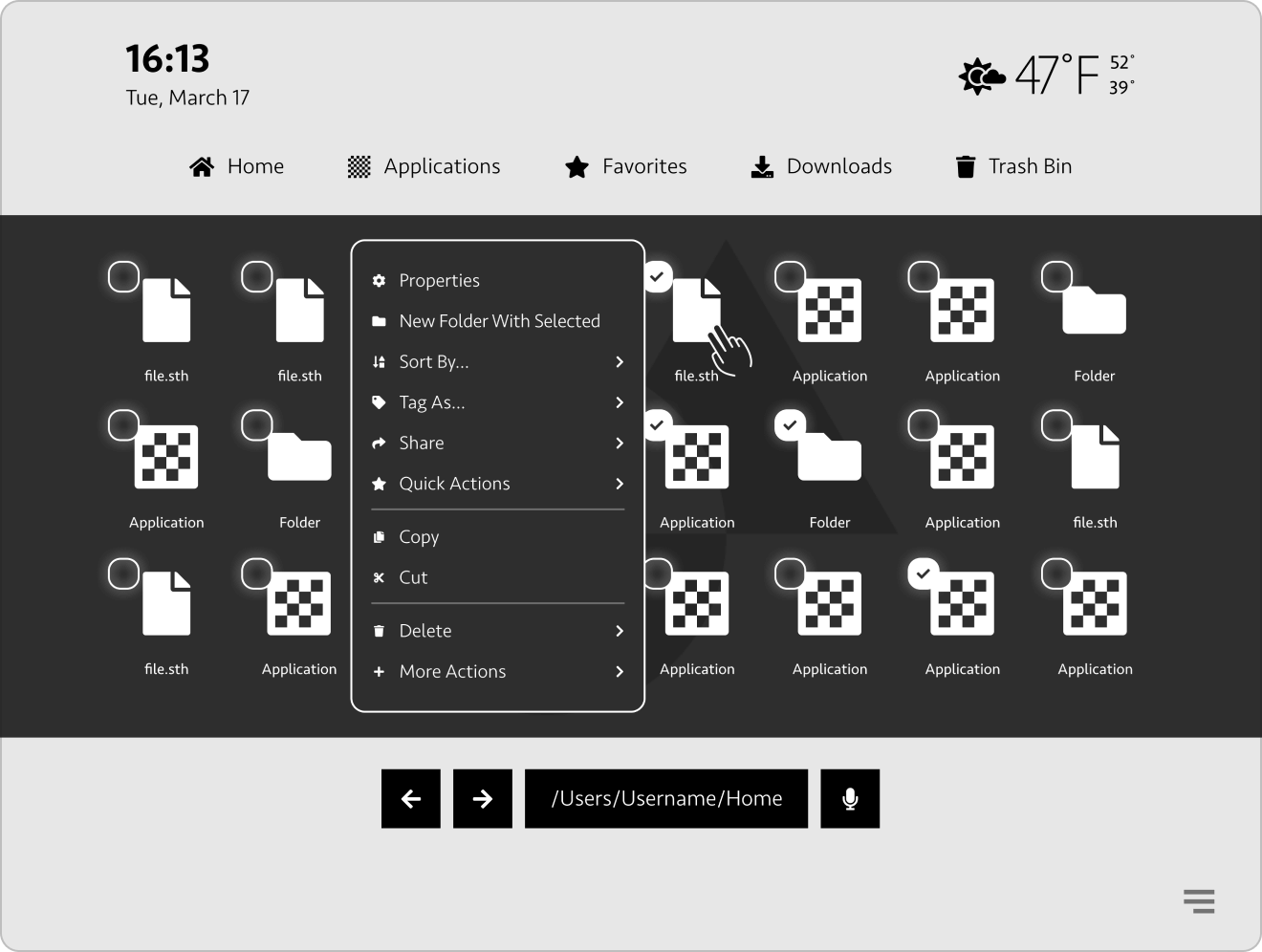
Working with files is the most basic thing an operating system should be capable of. Can you imagine any OS that has no ability to play music, sort out your latest trip photos, or play a movie? Exactly! Bloom should have been capable of all the stuff like that!
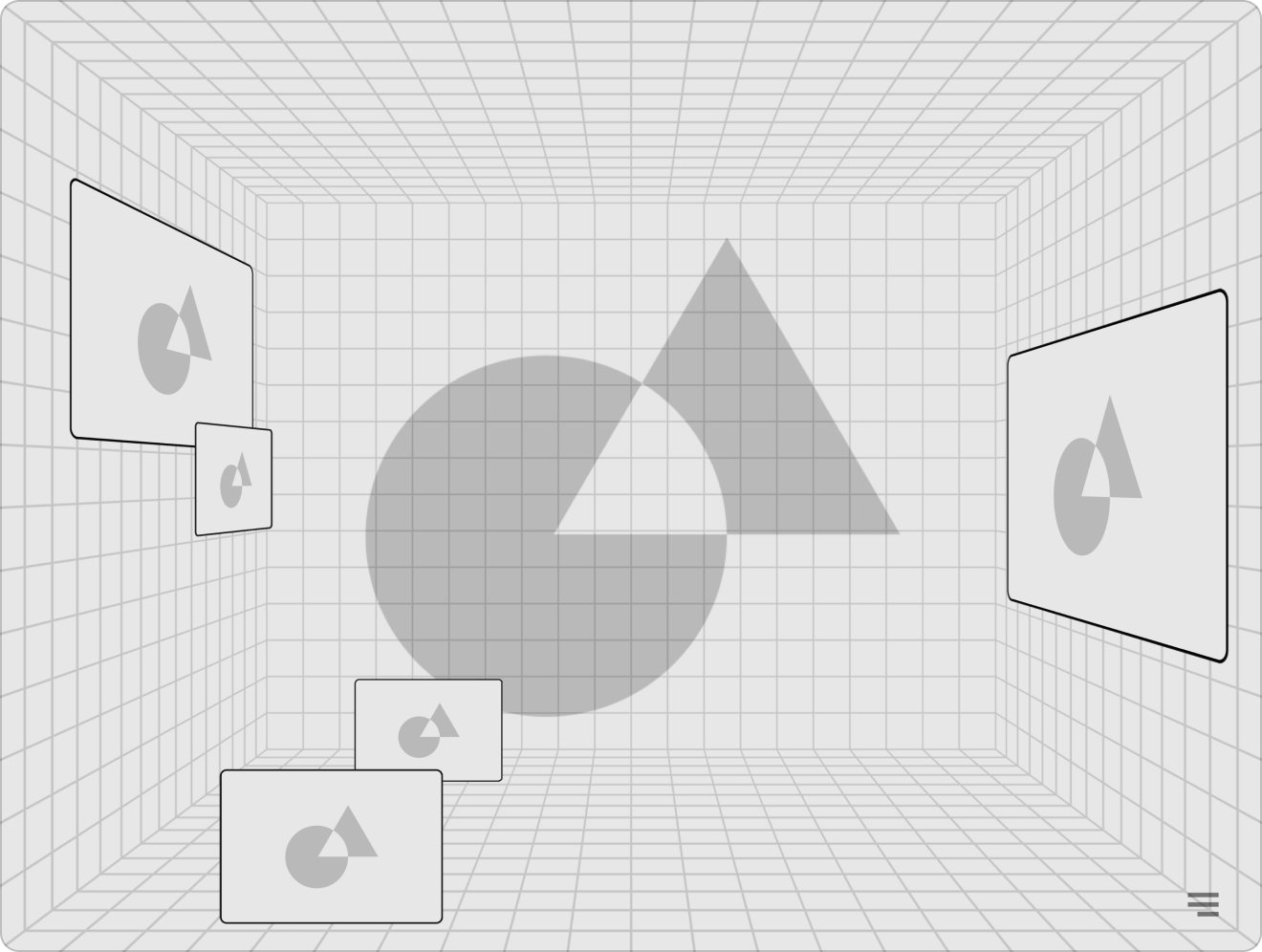
Widgets are one of the main features of our OS. A widget could be a part of an application or a separate application. You can anchor those to any real-world surface in your room and always find them there. Widgets could be quickly assembled and disassembled. Convenient, cool, and good.
05. Concepts and UI
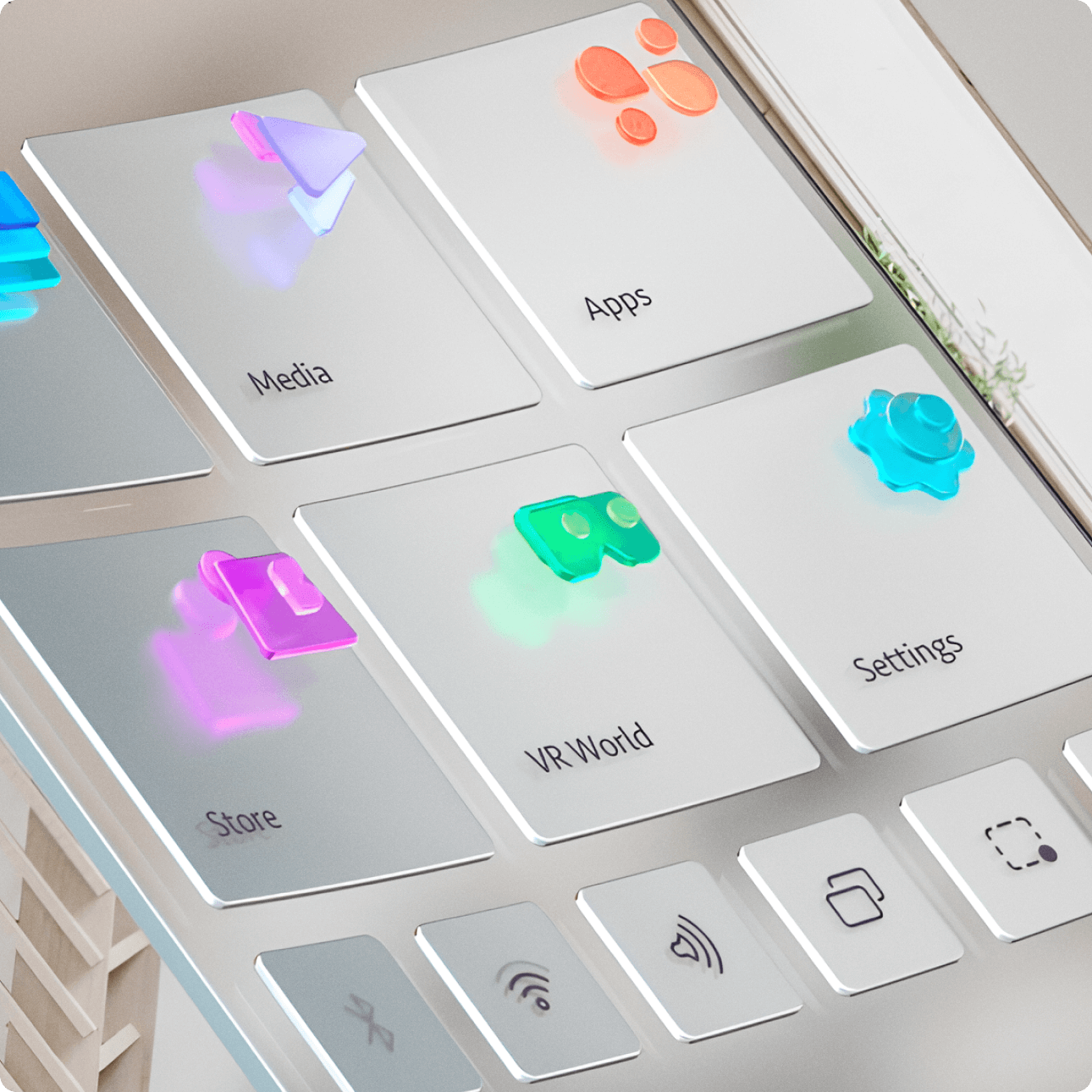
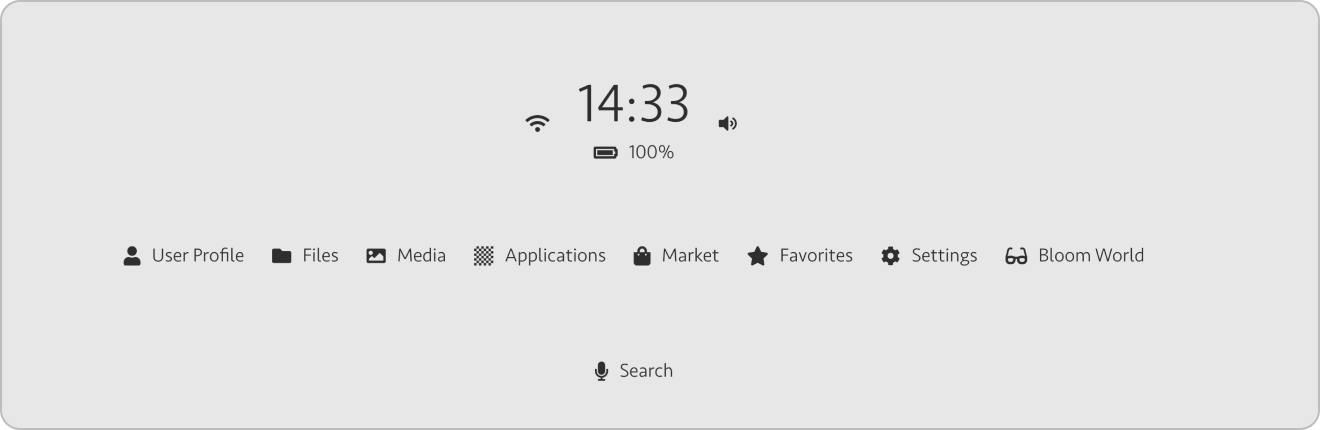
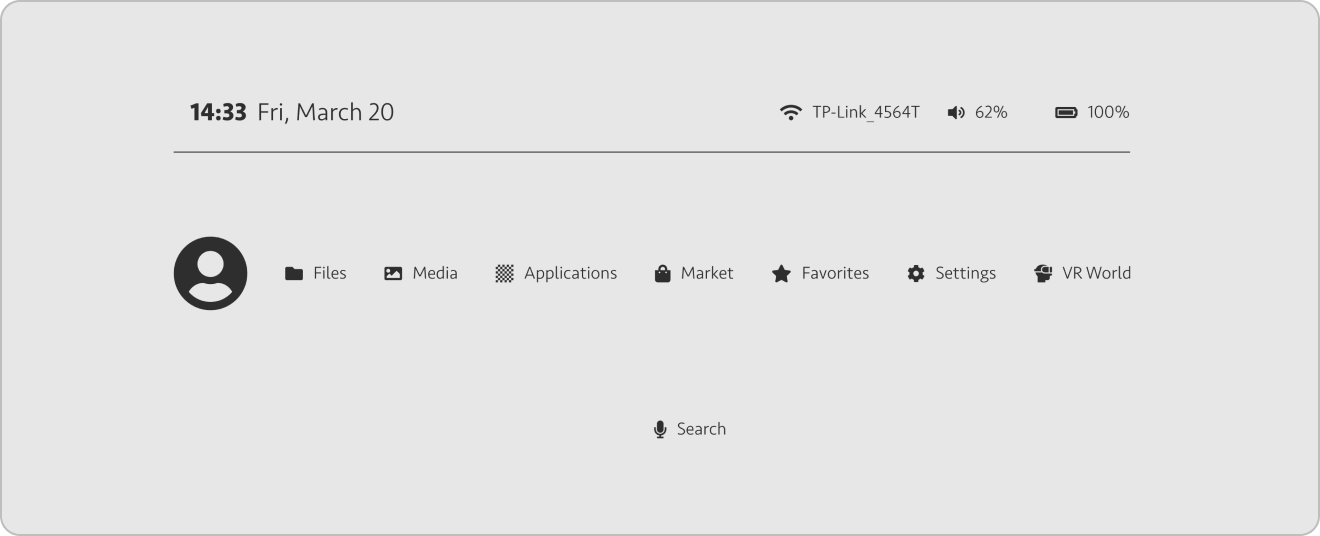
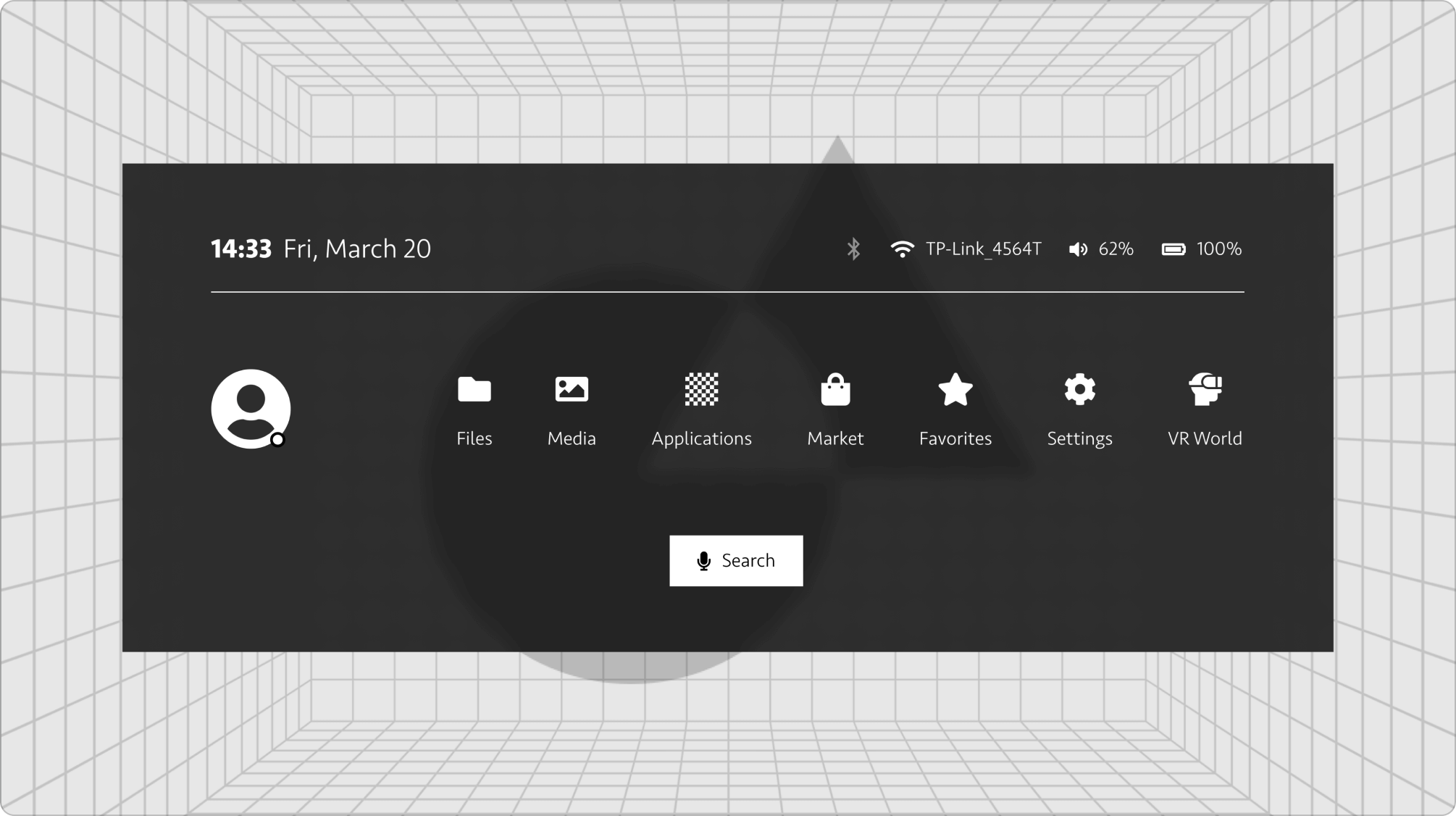
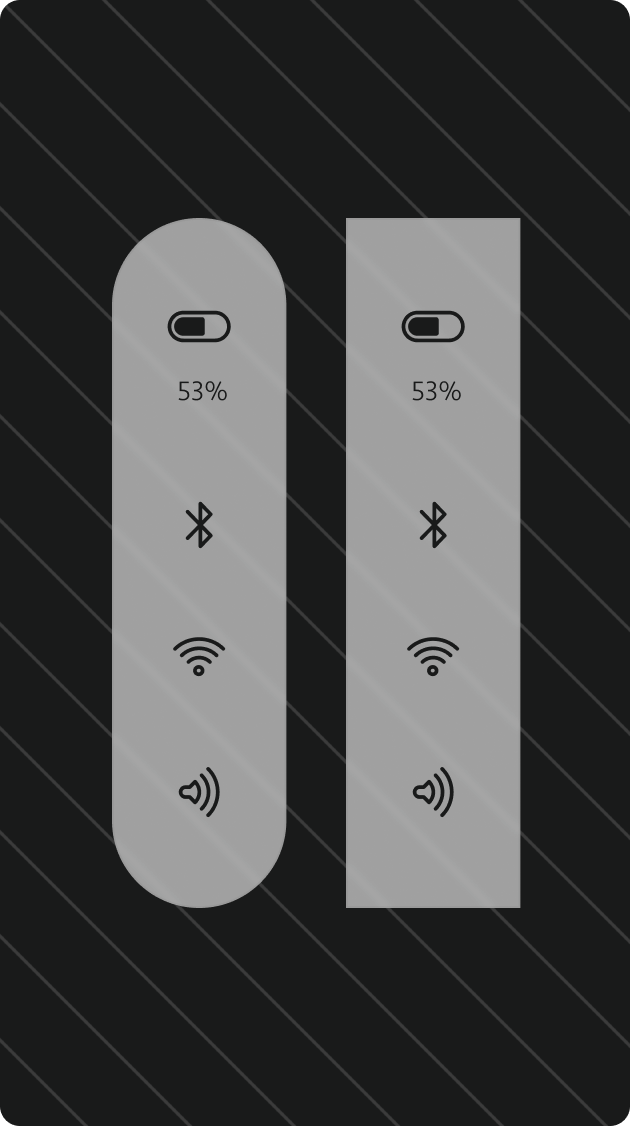
The first main goal was to come up with a "Bloom menu"
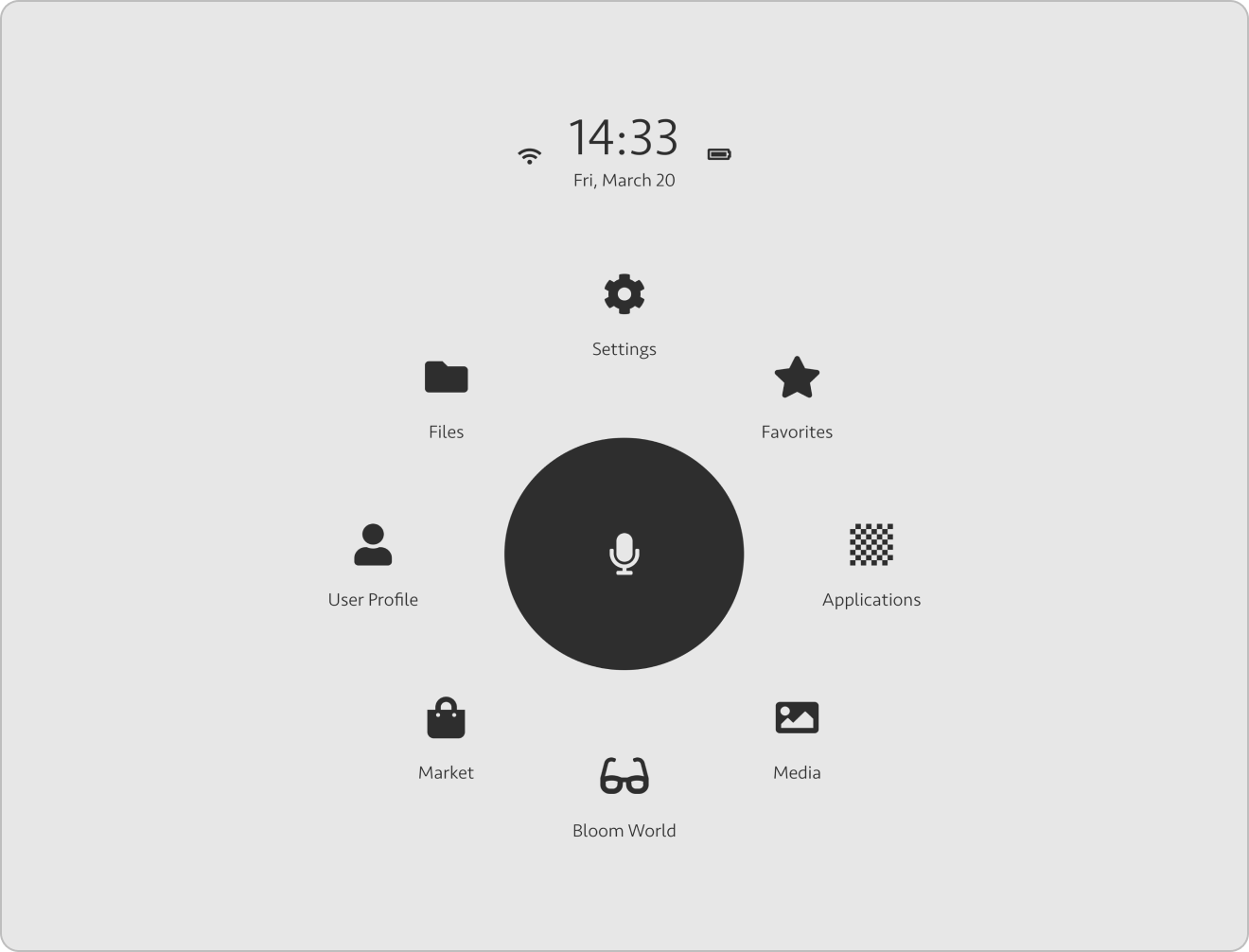
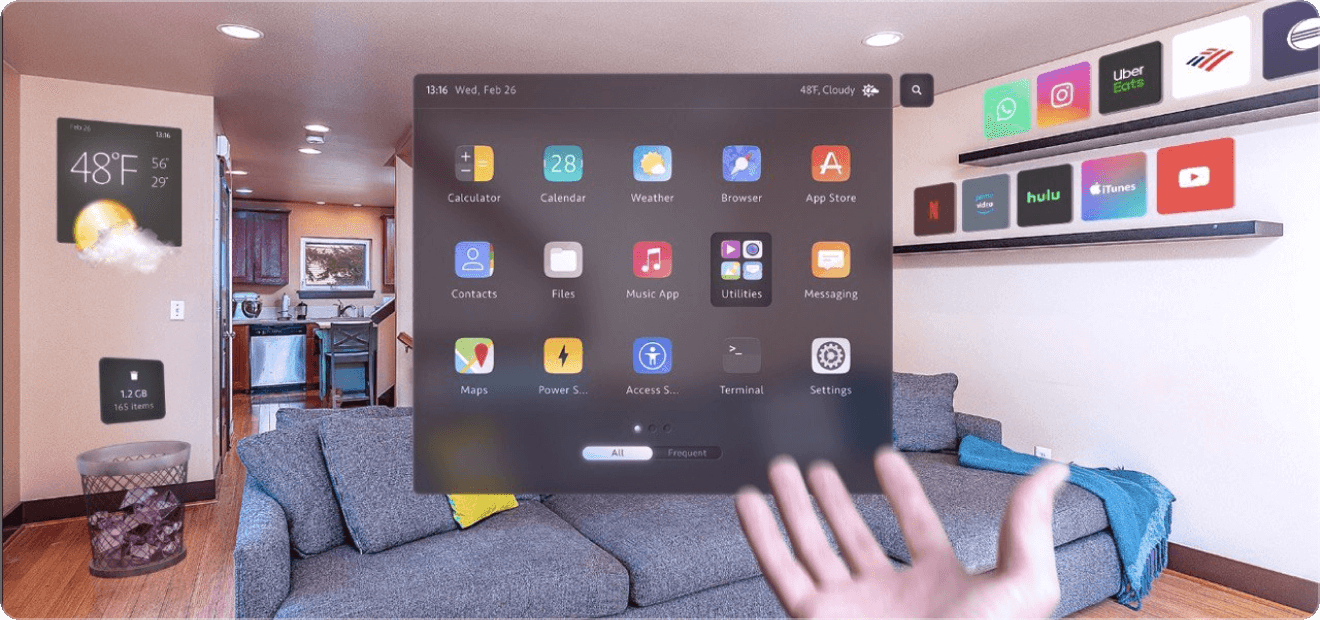
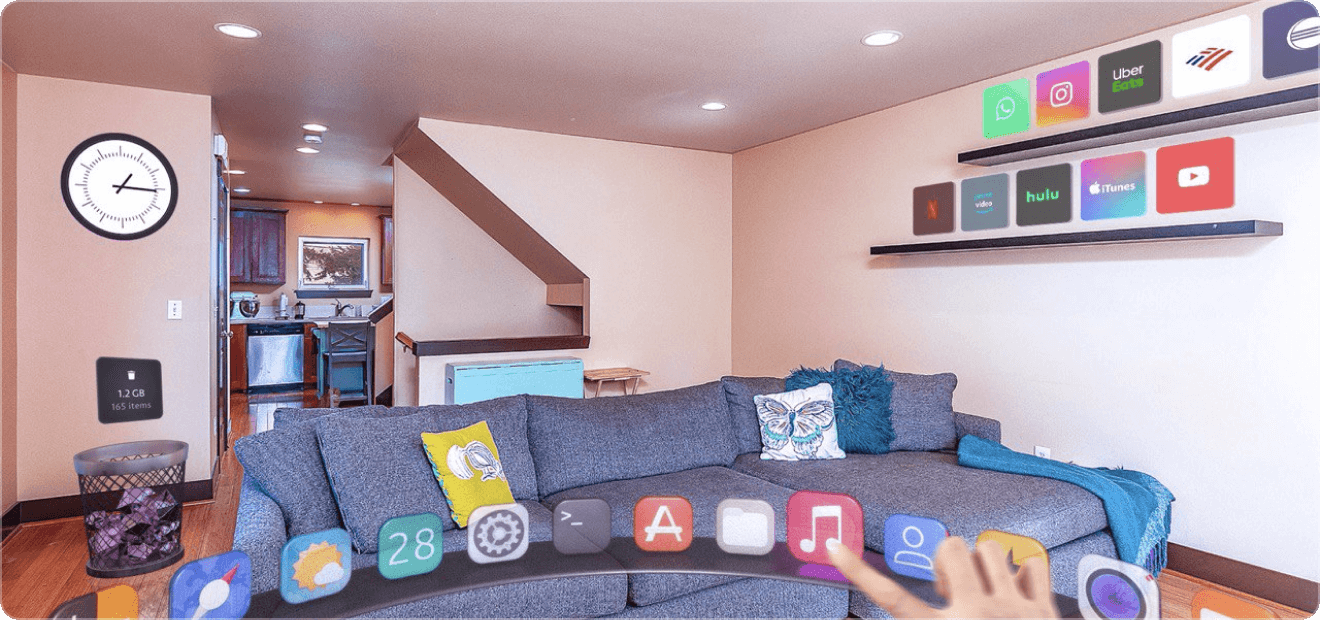
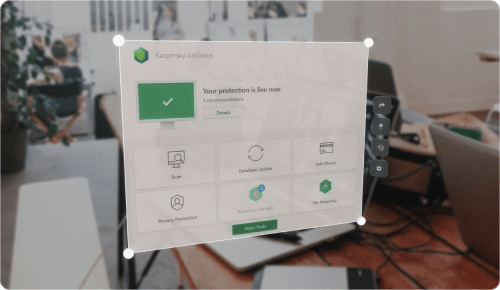
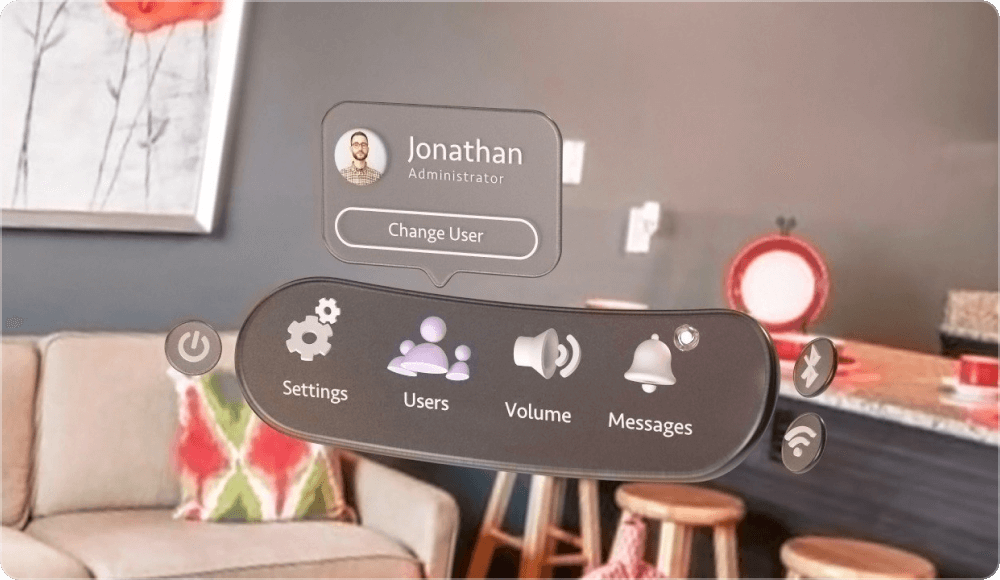
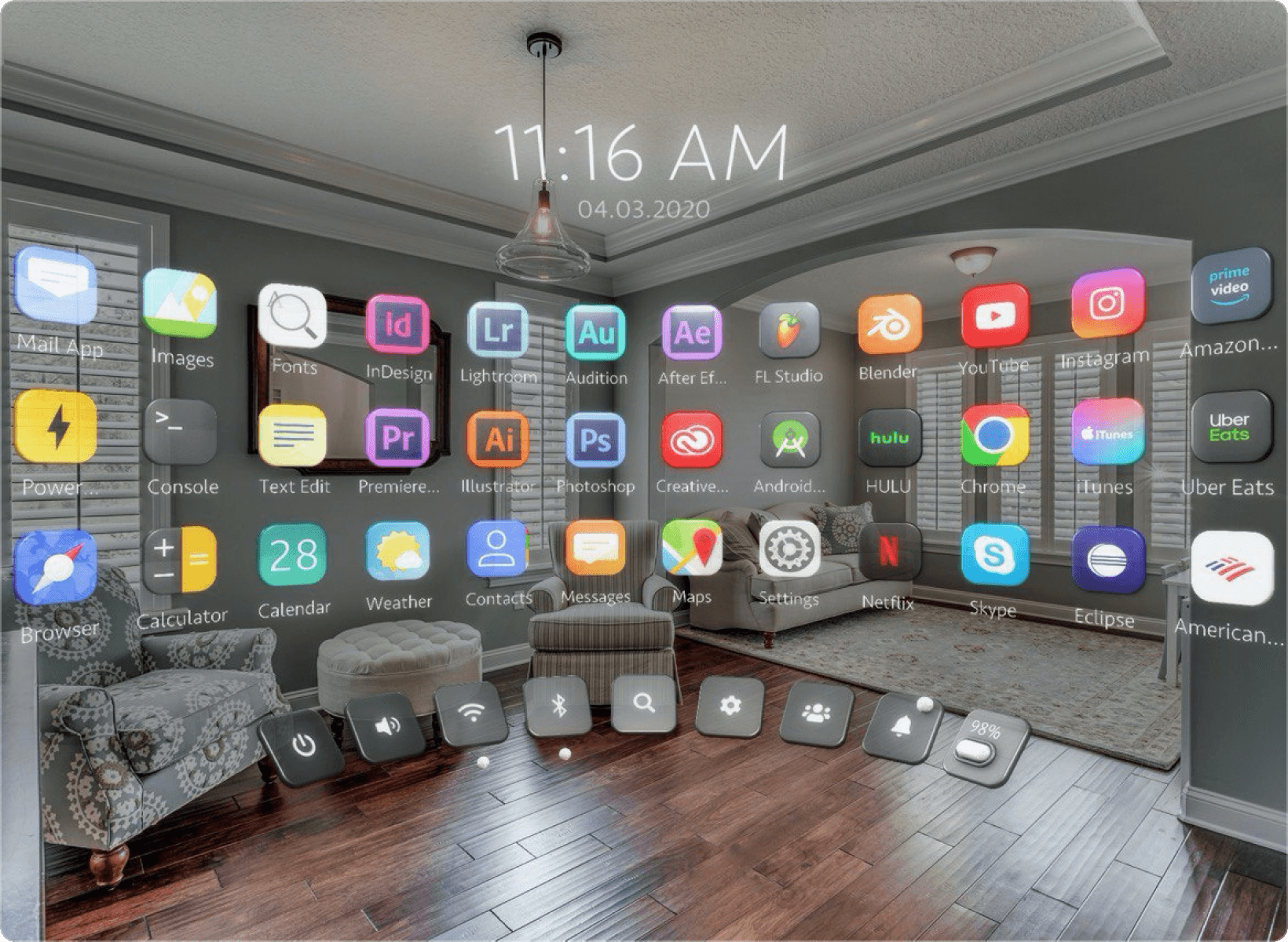
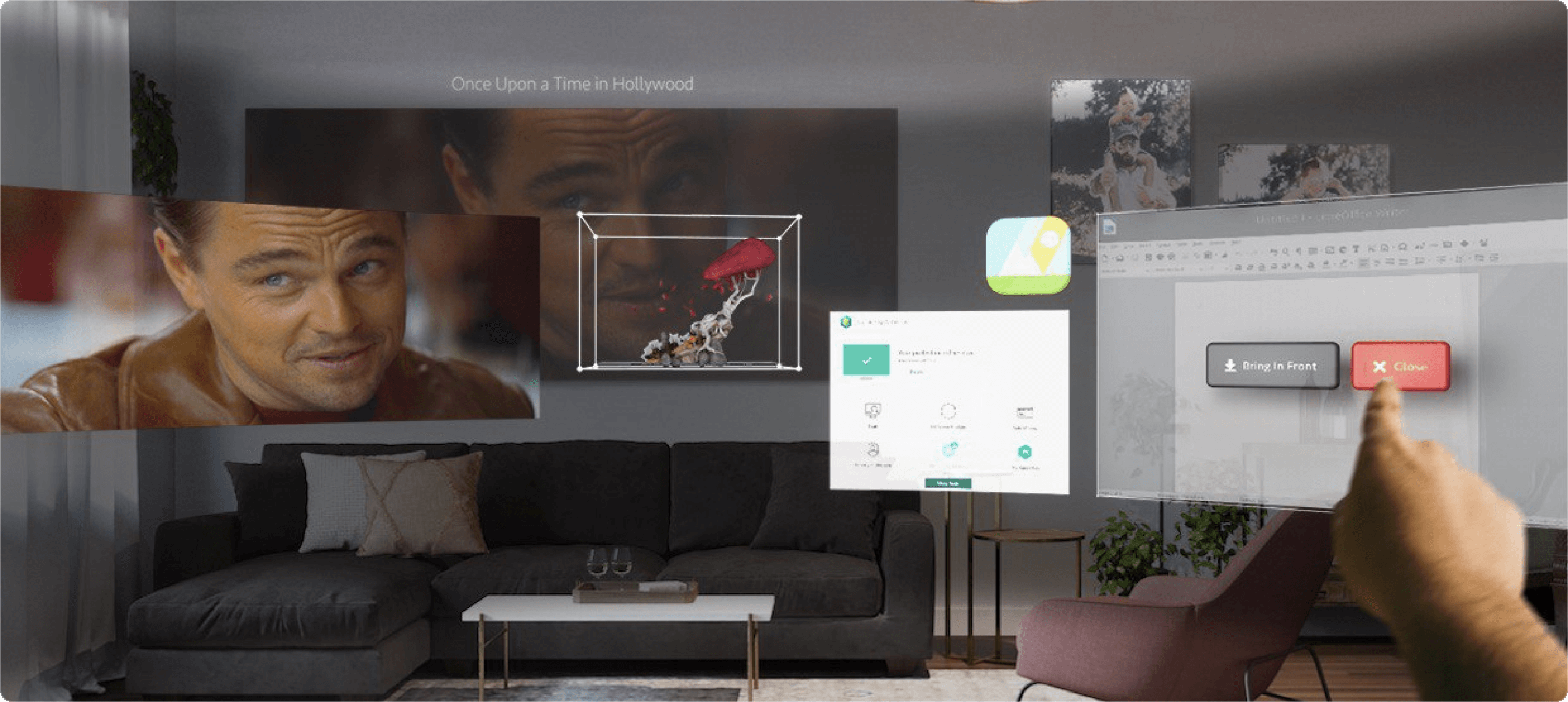
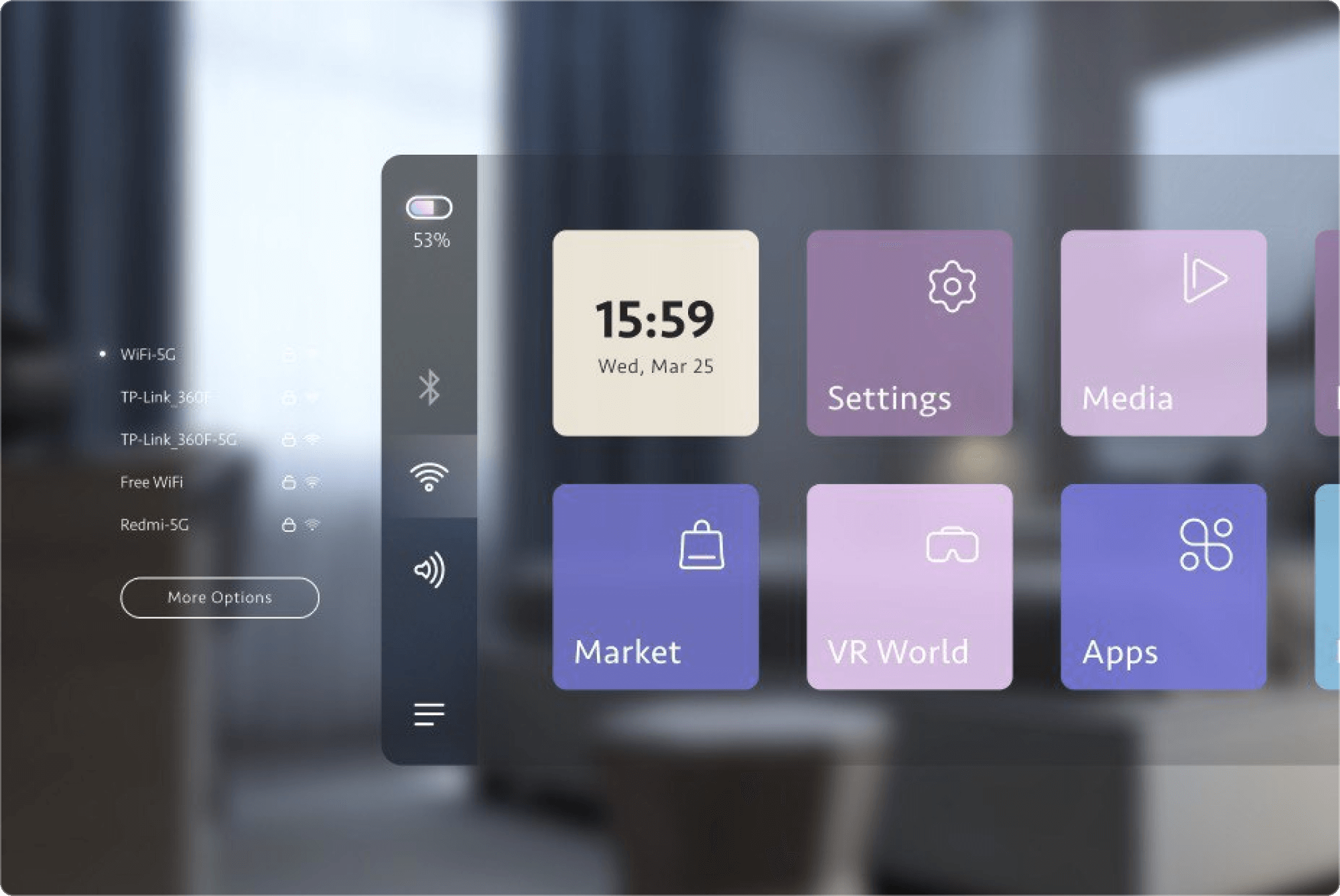

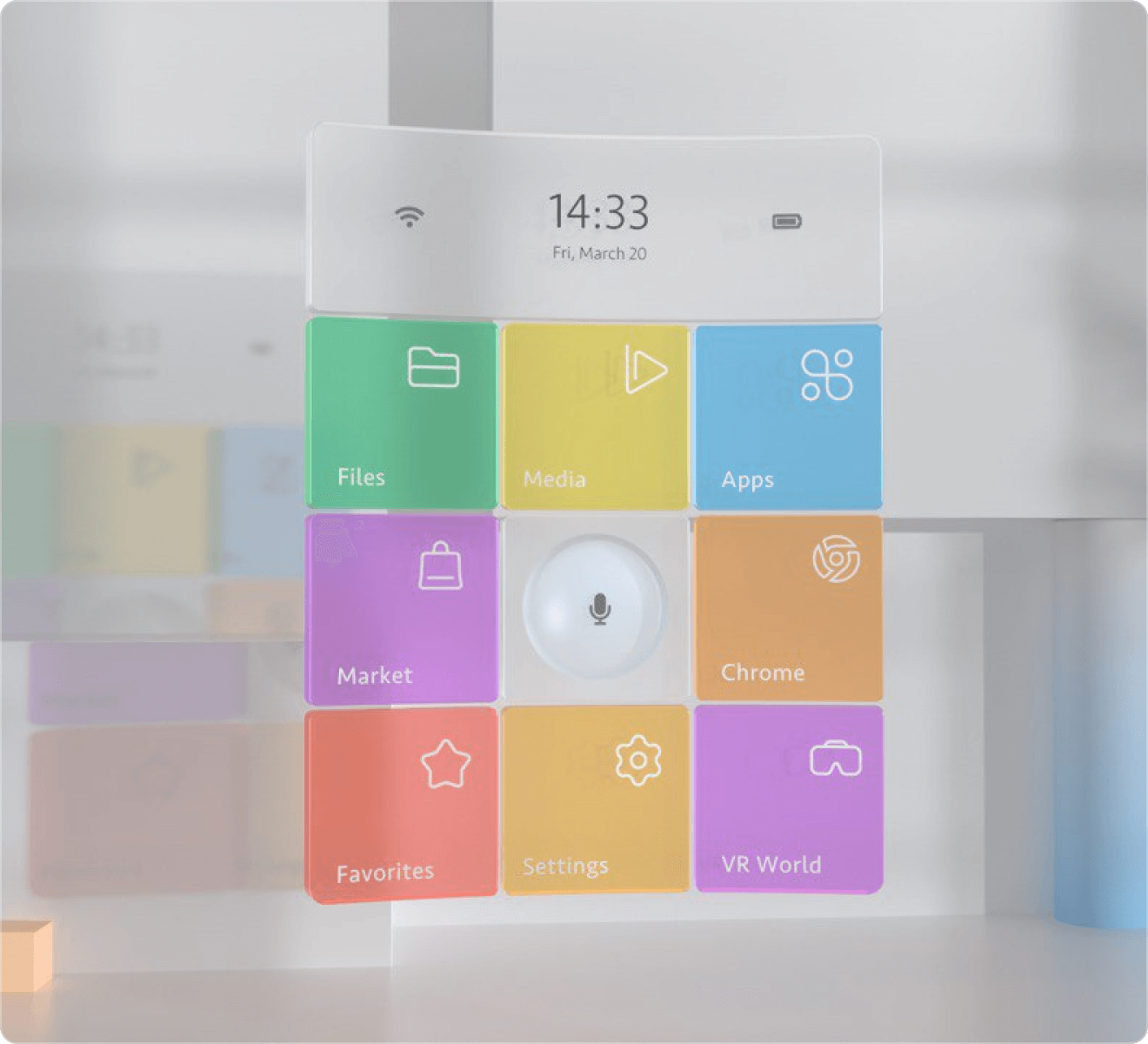
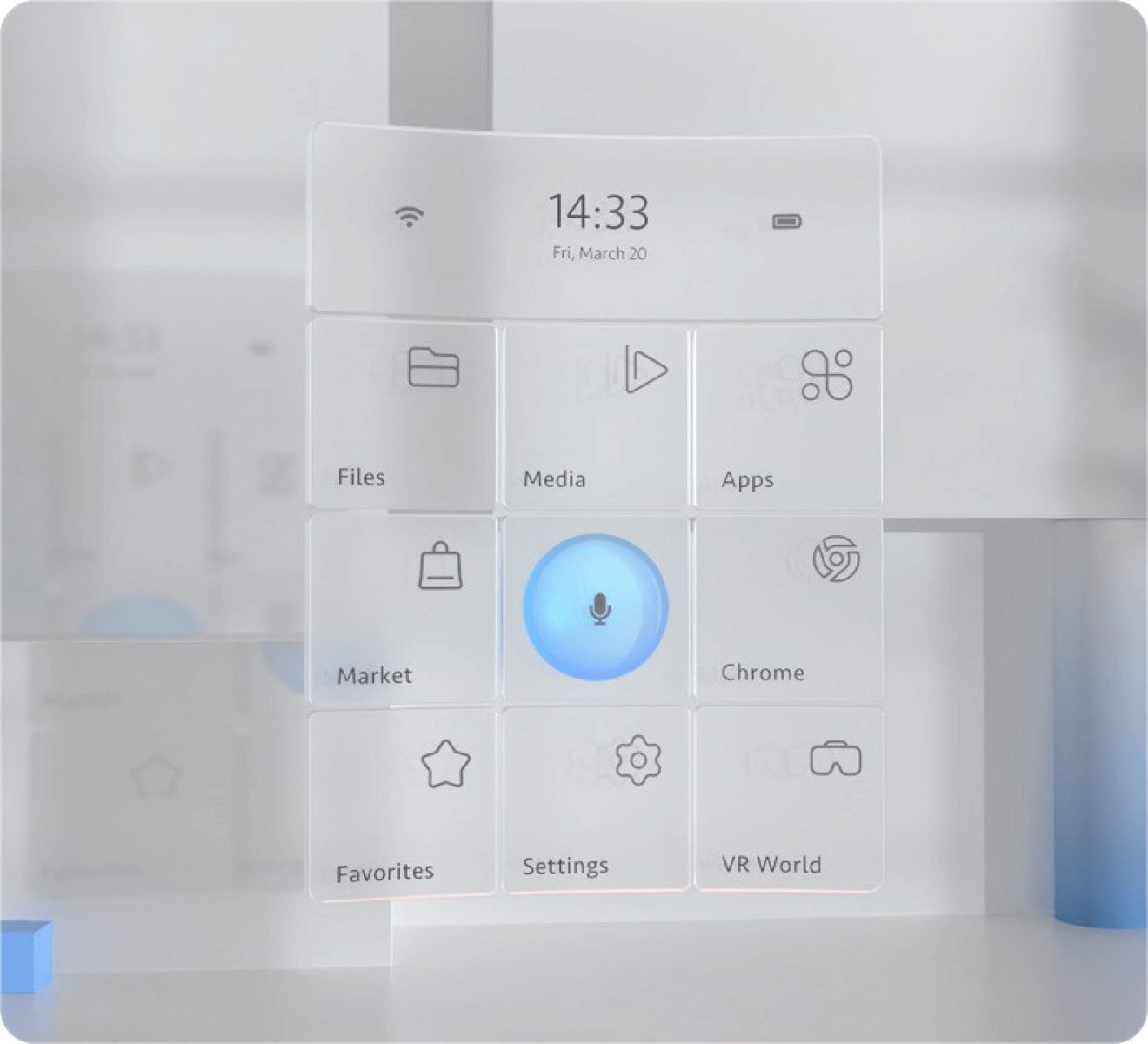
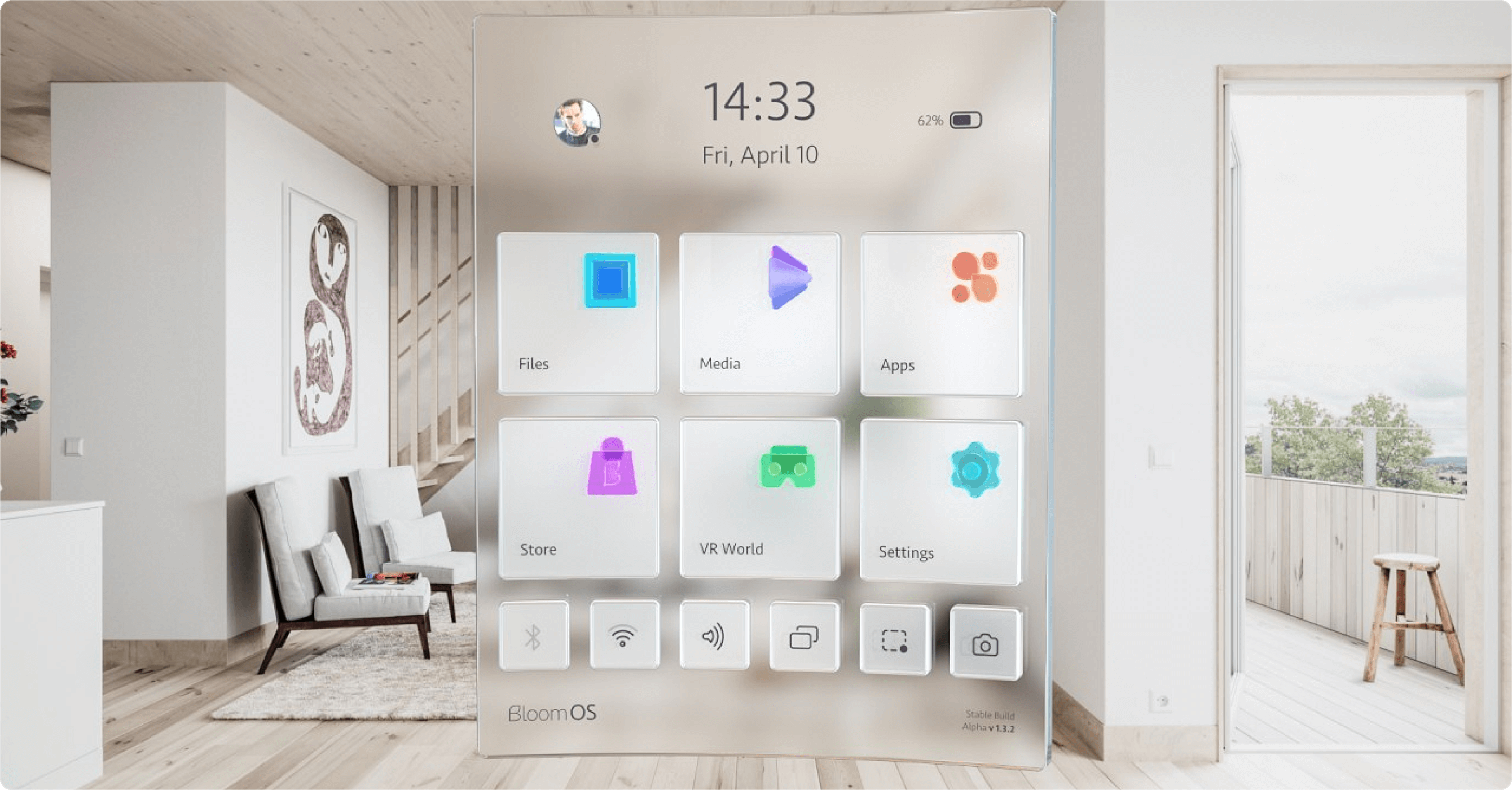
The Bloom OS project was a bold venture into the world of AR, requiring innovative approaches to user interaction through gesture control. We tackled the complexities of designing an intuitive AR interface, developing a unique set of gestures that made navigation feel natural and familiar.